
Recently, I asked my Instagram followers what type of content they’d most like to know how to repurpose. Well, it was a resounding vote for repurposing from blogs. I guess it’s not surprising when you consider how many hours it takes to create effective blog posts. Read on to find out how to harvest your old blog articles to create new content for other marketing channels and social media. In other words, we’re getting totally meta today.

Table of Contents
Where do you track your ideas and published articles?
Before we start–a little housekeeping. Don’t groan; this will make your life easier.
Do you keep a master list of everything you’ve ever published on your blog? If not, open up a Google spreadsheet and get to work! List the name, link, publish date, theme, and any other pertinent info.
This inventory of all your content will come in handy when you’re repurposing from your blogs! Think of this list of existing content as an asset—because it is!
The other thing that’s incredibly useful is to have a place to keep all your ideas. It’s up to you where you keep it.
Some people like to jot down ideas in a notebook and then transfer them into a spreadsheet or a program like Asana or Trello. Others like to keep notes in their phone, so they have access whenever an idea springs into their mind. Someone else told me they created a WhatsApp group for themselves, and record audio notes whenever an idea springs into their mind.
You should use whatever makes keeping track of your ideas the easiest for you.
Aside from ideas for new content, you can also track ways to re-share your content. Say you know you want to repurpose a recipe blog about this fantastic chocolate cake. But you may not be sure about all the ways you want to repurpose it. Start making notes about possible media to use, and that will help you get clearer.
How to figure out what to repurpose from blogs
Whether I’m developing done-for-you content for clients or for my own business, repurposing from blog posts is a powerful technique. After doing this for years, I’ve developed a process, which I’ll share below.
First, take a look at Google Analytics and see which of your articles draw the most traffic to your blog.* Also, how long do viewers spend on each post?
Think about which of these topics you know the most about, are the most integral to your blog mission, and will be the most helpful to reshape for different media.
* If you don’t have Google Analytics set up on your site yet, there are other ways to track these things. Many times, your hosting company offers some stats, or you can use a plugin like Jet Pack. Another option, if you use WordPress, is to look at your site’s visitor stats. Find more info about getting started with tracking stats in this helpful article.
Make a list of those posts you’d like to repurpose. Next, head over to Google and start searching terms from the blogs–what do people want to know about these topics? Take note of the predictive and related searches, which can help you further hone your ideas.


Once you’ve got your most promising posts and keyword terms identified, it’s time to start envisioning how to repurpose your blog posts and where to share this content.
Guest posting on other blogs
Scope out some successful bloggers who write good content. Look for people in your industry or a complimentary field. Check their Domain Authority (DA) score to gauge whether guest posting is likely to help grow your own blog. (You can get an idea of blogs’ DA scores using Moz.com.
Once you’ve identified some blogs you’d like to pitch to, take a look at your list of posts and other articles that you plan to repurpose. Look for content that would naturally mesh with the blogs you are targeting for guest posts. Consider ways to rework your content to make it even more relevant to the blogs you plan to pitch. Next, reach out to the blog owner and pitch your article idea.
If you get a yes, you’ll want to enhance your original content for the best organic search ranking. Your past blogs can help form the framework of the new article, saving you from reinventing the wheel. Make sure to also think about the blog’s audience and tailor your content to be most useful for them.
Substack version of your blog
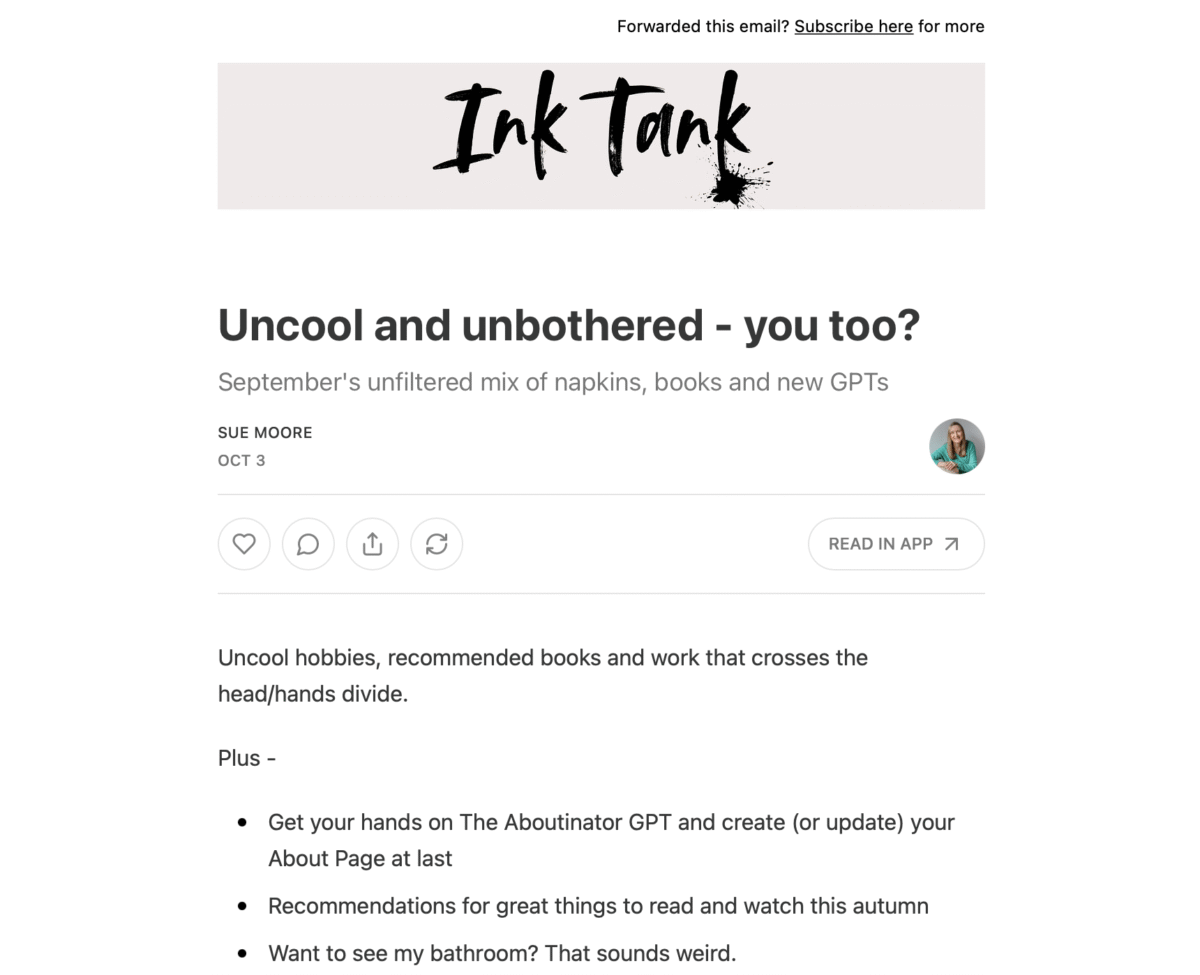
This platform is a hybrid blogging and email newsletter service in one. You can choose whether to offer free content, paid subscriptions, or both. Substack also has podcast and chat features.
It’s worth taking a few minutes to update your blog post for Substack. If your website blogs are informative and in-depth, consider adding more personal stories in your Substack article. Something like, “Here’s what I’ve been thinking about lately” or “That time X happened,” then get into the content from your blog. Think 80-90% of the original content from your post.
Medium mini blog
Medium is such a beautiful reading experience, isn’t it? It is a good place to share writing for other writers or publications. If that’s you, use your blog article as the source to create a shorter article to pique interest in what you do and draw traffic to your site.
It is worth knowing that the platform is quite strict, and suspensions for violations have been spiking recently. I recommend reading their terms of service carefully before deciding to use the platform.

Updating your own blog content
The research you did on Google Analytics will come in handy here. What are some of your highest-ranking blogs? Consider how you can update them. Maybe things have changed since you published it; add up-to-date details. Or, you’ve noticed an uptick in questions around a certain area of a blog post. Go into that section and flesh it out.
Another strategy involves updating your headlines and subheads by weaving in those keyword terms that your Google Analytics research says produce the best traffic. This helps people searching for that information have a better chance of finding your blog!
Once you’ve made these updates, it’s best practice to report the updates to Google. You can do that from within the Google Search Console. Aside from allowing searchers to find it more easily, Google gives regularly updated content higher relevancy.
Another great way to promote the updated blog is to create new Pinterest graphics that have a compelling call to action, inviting people to click over to your website to read the post.

LinkedIn is a great platform to demonstrate your thought leadership and share unique opinions. As such, repurposing from blogs for LinkedIn is definitely possible.
LinkedIn articles
Try using your blog post as a basis for a LinkedIn article. Change the title and headings with your LinkedIn audience in mind. It’s also best practice to slightly modify the text inside the article. If you’ve already written one version of the content, it shouldn’t be too hard to create something slightly different for LinkedIn.
Some people swear by long articles on LinkedIn, and others recommend keeping them short. You’ll have to do some testing to see what works best for you.
Piquing interest with posts that give context
Another way to bring traffic to your blog post is to create a LinkedIn post that creates context about your blog article. Pique readers’ interest, and invite them to read the original blog.
Or if you decide to test shorter article formats, create a series of LinkedIn posts covering the major topics of the article. Make sure to tag people who have something to add to the conversation and nurture it by coming back often to respond to their comments..
LinkedIn newsletter
Some content strategists swear by creating a LinkedIn newsletter from other existing content, like blogs. It can be a solid way to create warmer leads.

Emails
Repurposing your blog posts for email is also a great way to make use of them.
- Use the original piece’s basic concepts on which to frame your new content–it makes the process of creating an email much faster.
- Break up the blog post into a multipart email series, priming readers for what’s coming in each new installment.
- Older, shorter blog posts can sometimes be used almost verbatim.
Video
Short form video content
Show a concept from your blog visually. Remember that chocolate cake? Film a close-up video of you making the cake, measuring ingredients, mixing, baking, tasting. Or, create a video of your friend trying the cake. You can share these short videos on Instagram Reels, TikTok or YouTube stories.
If you’ve already got long form YouTube content, consider repurposing it to create short form videos for other platforms. This YouTube video downloader tool makes things easier, especially if you didn’t save a copy of the video on your computer.
Long form video content
If you’d like to try longer form content, create a script using your blog as a guide. Research SEO-friendly titles on YouTube and then upload your video using an SEO-optimized title and description.
You can go Live on Instagram, Facebook, or LinkedIn. Another way to reuse the concepts from your blog post would be to use a Zoom or Google Meet call where people can sign up to learn about your topic directly from you. Invite viewers to ask questions and use it as an opportunity to build relationships. Consider inviting viewers to sign up for your email list, or to DM you for more info about your services.
Choosing the right video format for your blog content
Not all blog posts translate equally well into every video format. Use this table to quickly match your content type to the best video approach and the right tool for the job.
| Blog Content Type | Best Video Format | Ideal Platform | Recommended Length | Suggested Tool |
| How-to / Tutorial post | Step-by-step walkthrough | YouTube, Instagram Reels | 3–10 min (long) / 30–60 sec (short) | Loom, CapCut |
| Listicle (e.g., “18 Ways to…”) | Carousel-style slideshow video | TikTok, Instagram Reels | 30–60 sec | Canva, Descript |
| Opinion / Thought leadership | Talking-head or voiceover clip | LinkedIn, YouTube | 1–3 min | Zoom, Riverside.fm |
| Recipe / Product showcase | Close-up demonstration video | Instagram Reels, TikTok | 15–45 sec | Native camera + CapCut |
| Data / Stats-heavy post | Animated infographic video | LinkedIn, YouTube | 60–90 sec | Canva Video, Animaker |
| Interview or Q&A post | Clip highlights / audiogram video | Instagram Stories, YouTube | 30–90 sec | Headliner, Descript |
| Evergreen resource post | Series of short explainer clips | YouTube Shorts, TikTok | 30–60 sec each | InShot, CapCut |

Audio
Sometimes the sound of someone’s voice can really intrigue you and get you interested in a story, am I right? Take advantage of audio to create a connection with the listener. A decent microphone and a little mic technique can help, but it’s not necessary when you’re getting started. You’ll find lots of tips online for capturing great sound. Videos too.
Podcasts
If you’re considering starting your own podcast, blog posts can be a rich source. Use past articles to create an outline for your podcast topic and episodes, and even to inform your guest list.
Audiograms
Make an audio post with someone talking about the taste of that sumptuous cake. Pair it with a beautiful photo of the cake and a SoundCloud. Share it on Facebook or Instagram.
Or, find an interesting quote from the blog post and read it out loud–add that to a graphic with a SoundCloud. Audiograms get people engaged in the content from an auditory perspective.
Audio blog
Some people prefer to listen to what they read. You can read your blog posts or pay someone else to do it for you–then host them online. Certain topics may lend themselves more to audio blogs, such as self-healing or meditation blogs, for instance. If you are attracted to audio content, it could be that your audience is, too.
Infographics
Infographics are a great way to repurpose blog info. Say you’re talking about where the ingredients in your chocolate cake come from–that could be a fascinating infographic. Or, you want to share the nutritional information–another reason to create an infographic.

Quotes
Quotes can be a great way to engage people with your topic. Scan your article for quotable passages that can be featured graphically or otherwise. Feel free to change words to make things easier to grasp. Especially look for areas where you offer unique or even opinionated statements. Maybe you feel gluten-free chocolate cake is way more delicious than recipes that use wheat flour. That can get a conversation started!
Use quotes to create graphics for Instagram or Facebook, and then get deeper into your thoughts in the caption.
Carousel posts
Carousel posts are a series of slides or images with informative text. Blogs are a terrific medium for creating meaty carousel posts. First, condense the information from your blog into clear, concise statements. Next, give each statement its own slide.
On Instagram, you can use up to 20 different images in one carousel post. Try using at least 10 slides–the more people linger on your posts, the more Instagram understands that you’re sharing valuable stuff. And, more engagement means Instagram shares your posts with more people.
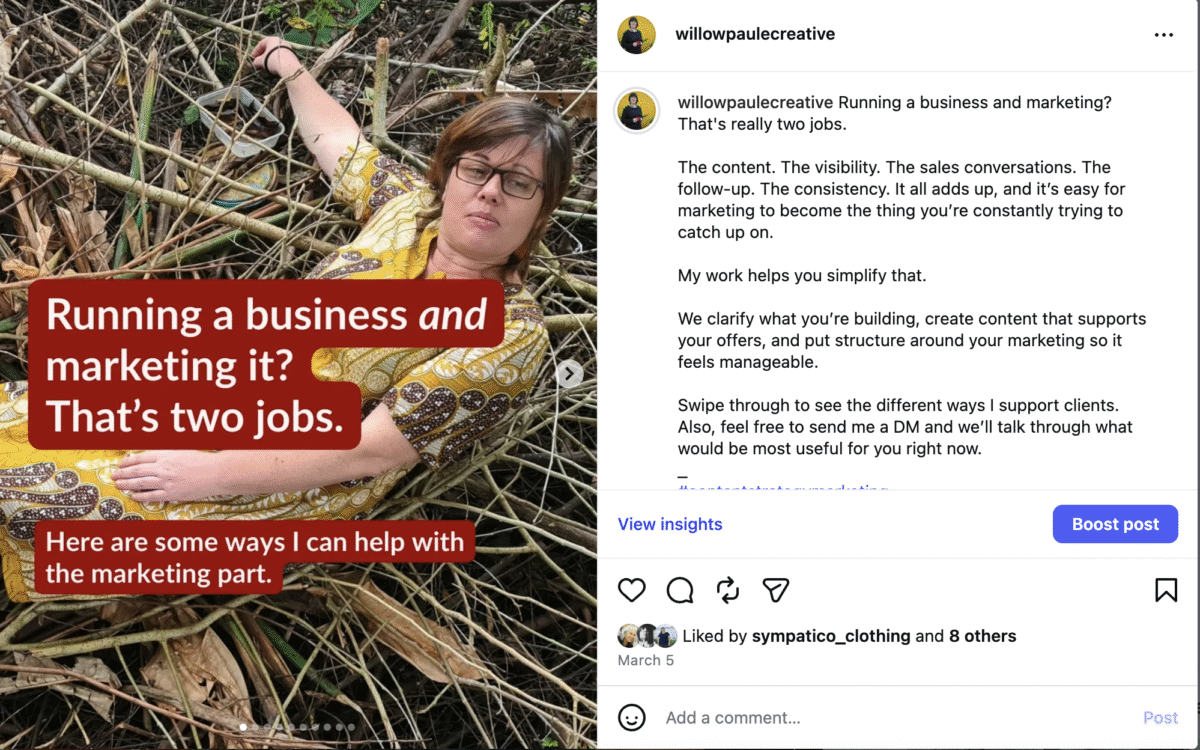
Carousel posts work well on LinkedIn as well. In their document-sharing feature, you can effectively tie together multiple documents or images to create a moving graphic carousel post. On LinkedIn, the limit is 300 pages, but please don’t bore us all to death with that kind of length.
Curious how to accomplish a carousel post on LinkedIn? First, create your graphics in Canva or a similar program. Next, select create a post, and at the bottom left-hand side, you’ll see the option to add a document.
Instagram/Facebook Stories
You can use graphics similar to what you created for the carousel to also create slides for your Stories or create video snippets of you talking about the concepts from your blog. The best way to take advantage of Stories and keep viewers engaged is to use a combination of both.
Take advantage of Instagram features to make it more interactive. For example, you can use the Poll button to get people’s thoughts on certain parts of the topic. Or, see if they can guess the right answer to a series of questions related to your topic. Elicit deeper interactions using the Questions sticker.
Use Facebook Stories to give viewers a condensed version of your blog post. Think of it as the trailer that leads to a ticket sale. Or, you can use your Stories to briefly introduce the topic of the blog, and then link directly to the post itself. So many options, right?

High-engagement webinars, knowledge-packed ebooks, the sky’s the limit
Your blog posts can be re-imagined as paid products. Perhaps you have a series of blog posts about one topic? Repackage them as an ebook. It means readers have all the info in a convenient format that can be referred to whenever they want.
Blogs can also make great webinars. If you’re selling a product or service and want to create an audience of warm leads, host a webinar, then use content from past posts that speak to your expertise.
Finally, whatever strategies you try when repurposing from blogs, keep in mind the three main things that motivate people to buy online services. They want things that will improve their life, second, lead to a transformation in their business, and third, teach them a skill.

Even when you feel you’re trotting out the same old information or ideas, remember the name of the game is reaching out to new audiences. And by reshaping your content, you’ll not only reach new prospects. By refashioning your content, you can also convert old prospects into clients.
The sky’s the limit when it comes to repurposing from blog articles. You’ve put so much work into writing that article or post, why not get extra mileage from it? Get your story on new channels and platforms, and in front of new eyes!
So, I’m curious, which idea for repurposing from blogs will you try first? I’d love to hear how it goes!
And, if all this talk of repurposing from blogs has made it even clearer how busy you are with other aspects of your business, read more about my done-for-you content creation and repurposing service to see if we’d be a fit to work together.


